 Noodle
 Runners
Your Mac takes your CI jobs.
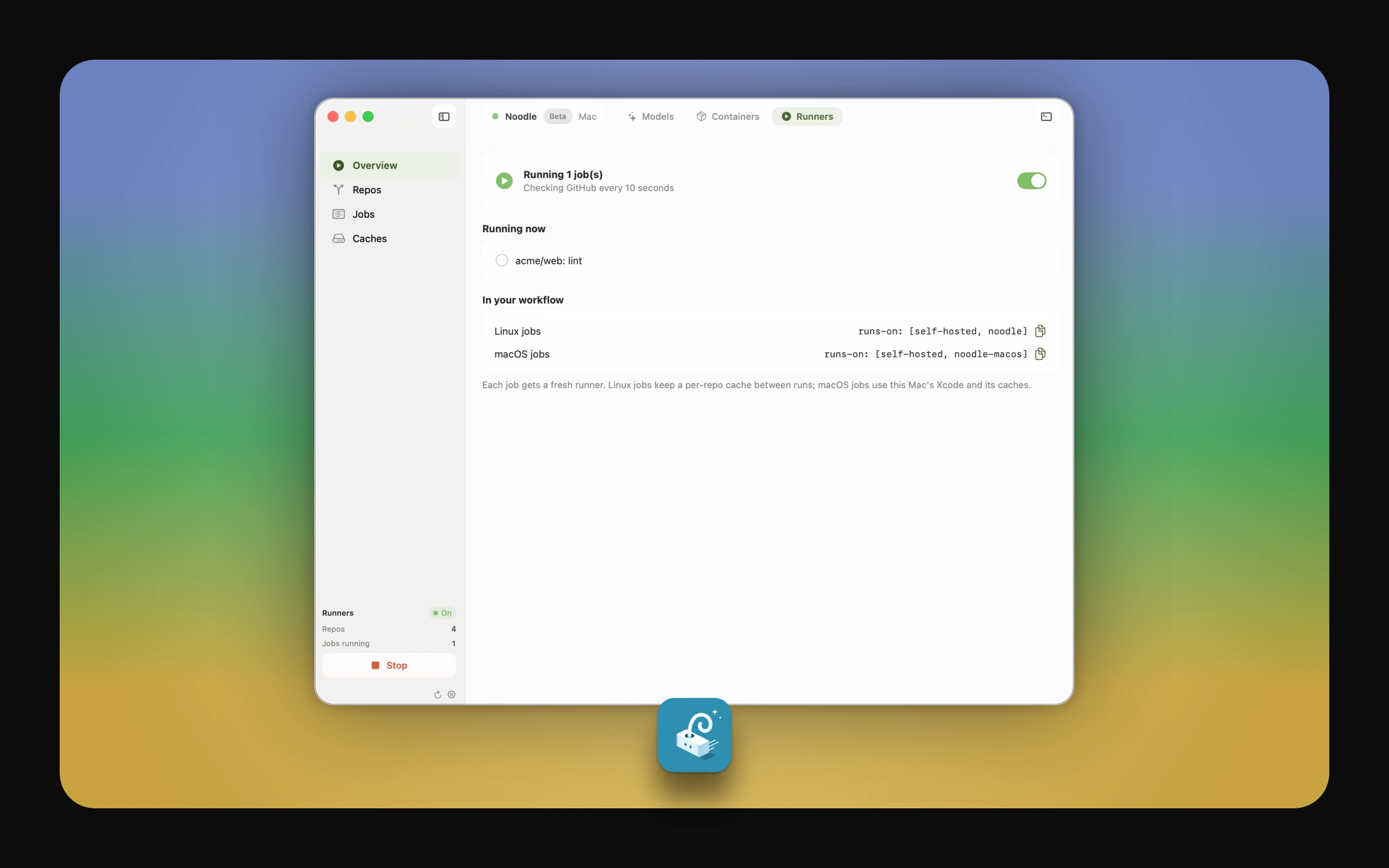
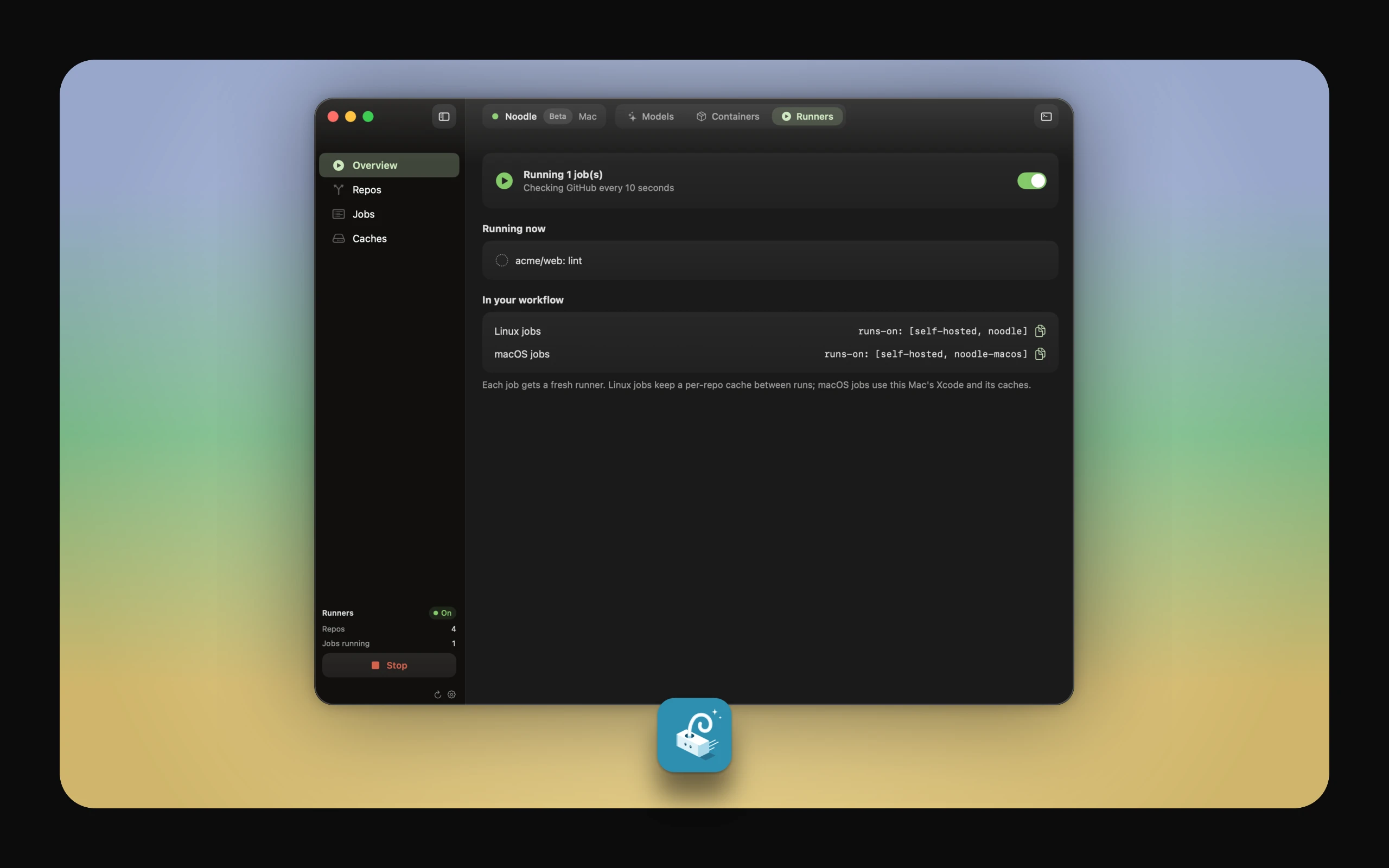
Change one line in a workflow. Its jobs run on your Mac, each on a fresh runner that is removed afterwards.
- 1 line
- to move a job to your Mac
- runs-on: [self-hosted, noodle]
- 5 min
- a warm runner waits after each job
- So the next push skips registration
Best for
iOS and macOS builds on your own Mac.
Hosted macOS minutes cost $0.062 a minute. Your Mac already has the Xcode you use.
Linux tests on arm64
Each job gets a fresh container. Toolchains and caches stay per repo, so the second run skips the toolchain downloads.
$ runs-on: [self-hosted, noodle]Pin an Xcode version
The macOS runner carries an xcode label from the Xcode on this Mac.
$ runs-on: [self-hosted, noodle-macos, xcode-26]Side projects without CI bills
Private repos run here. Nothing runs while you have no jobs.
Jobs that need Apple silicon
macOS jobs run natively, so Metal and on-device model tests work as they do on your Mac.
What hosted CI costs
GitHub bills by the minute. Your Mac doesn’t.
GitHub, a month
$1,860
$0.062 a minute, macOS 3-core or 4-core
Blacksmith, a month
$2,400
$0.08 a minute, macOS M4
Your Mac, a month
$0
no per-minute rate; the Mac and its power are yours
At 30,000 macOS minutes a month, GitHub’s rate adds up to the price of a Mac mini (from $899) in 15 days.
Published pay-as-you-go rates, read from each provider’s own pricing page (docs.github.com, blacksmith.sh) and from apple.com for the Mac mini. Free allowances, volume discounts and electricity are left out. A provider is missing where its rate could not be confirmed. Checked Nov 2026.
Hosted runners do some things better: no machine to keep on, a clean VM for every job, and room to scale past one Mac.
The switch is one line.
Linux
- runs-on: ubuntu-latest
+ runs-on: [self-hosted, noodle]
A container on Noodle’s engine, arm64.
macOS
- runs-on: macos-latest
+ runs-on: [self-hosted, noodle-macos]
Add xcode-26 to the list to pin an Xcode. Turn macOS on per repo with noodle runners add --macos.
Where your code goes.
GitHub’s own runner talks only to GitHub, with no Noodle server sitting in between. Two limits stay: private repos only by default, and macOS jobs run as your user, unsandboxed.
How it works
Three steps.
- 1
Sign in to GitHub
Open Settings > Docker. Noodle reads the token through git and never writes it to a file.
- 2
Add a repo
Pick it in the app, or run noodle runners add inside the repo.
- 3
Change one line and push
Noodle checks for jobs about every 10 seconds. A push right after a job reuses the warm runner.
- git push
- GitHub queues the job
- A fresh runner starts
- The job runs on your Mac
- The runner is removed
Questions
Can I use it on a public repo?
Not by default. A pull request from a fork could run code on your Mac, so Noodle refuses public repos unless you pass --allow-public.
Is a macOS job sandboxed?
No. It runs as you, in a fresh folder that is deleted afterwards. Turn macOS jobs on only for repos you trust.
What if my Mac goes to sleep?
Noodle keeps it awake while a job runs. A laptop with the lid closed still sleeps unless it is on power with an external display.
Is it faster than GitHub’s own runner?
We have not measured it yet. Jobs skip the hosted queue and keep their caches, so time one of your workflows on both.
Which runner does it use?
GitHub’s official runner, one fresh runner per job, pinned by version and checksum. After a job, one runner per repo waits for 5 minutes so the next push skips registration.